tech-pos guide
Everything the till, the kitchen screen and the back office can do, written for the people who use them — a cashier on their first shift, a server on a busy floor, an owner closing the day.
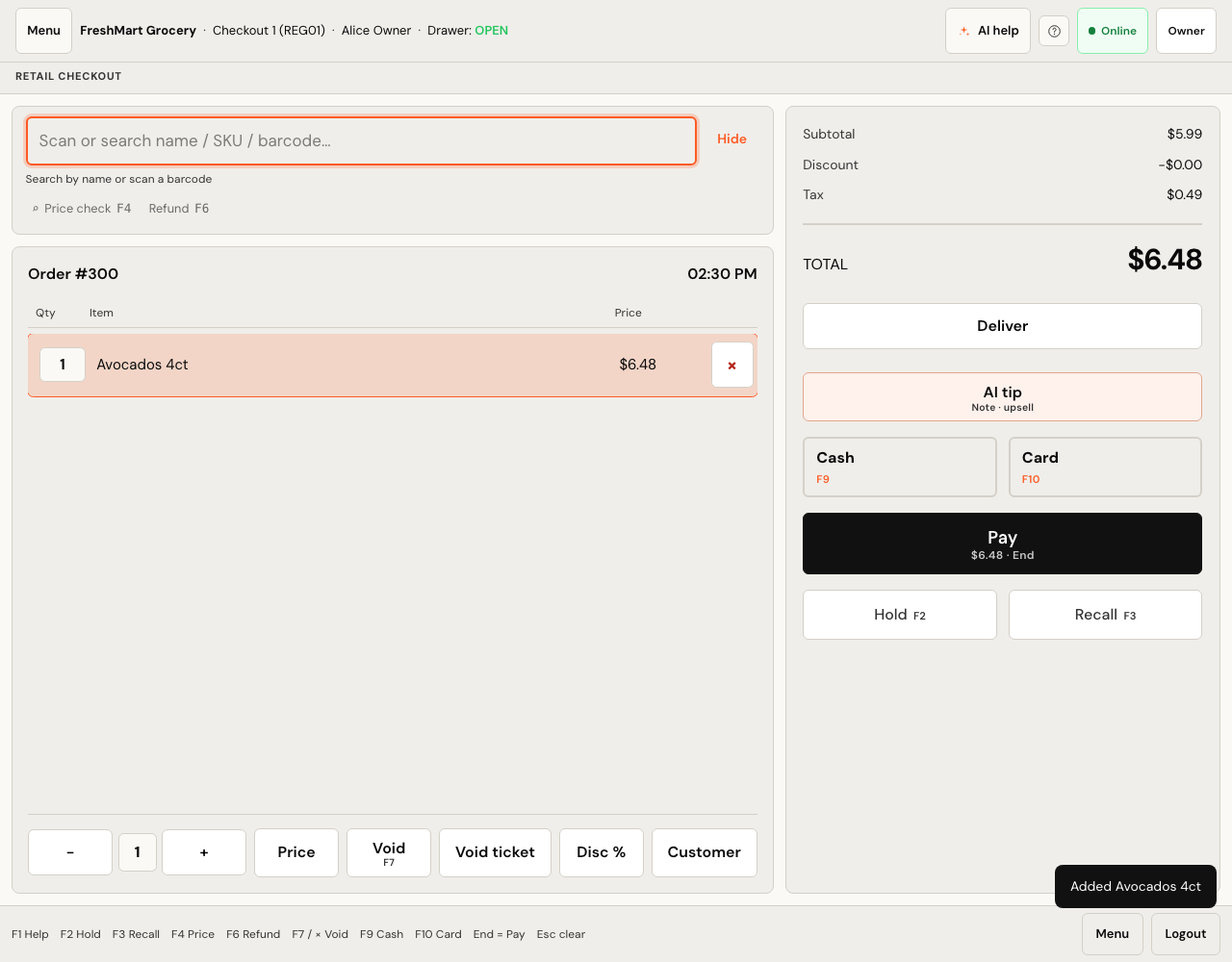
Start here
Getting started
Company, store, register, product, first sale — in that order.
Roles & permissions
What each of the thirteen roles can and cannot do.
Every feature
The full list, including what is deliberately not built yet.
Selling
The retail till
Scanning, discounts, parked tickets, and taking cash, card, gift cards and points at the counter.
Refunds & returns
Find the original sale, refund all or part of it, and put the money back on cash, store credit or a gift card.
Scanner price accuracy
When the till scans higher than the shelf label, and what you owe.
Substitutions
Swapping an item a picker could not find, on pickup and delivery.
Receipts
Printing, reprinting, and editing the header and footer.
Cash drawer & day end
Float, cash in and out, the mid-shift check, and closing down.
Restaurant
Floor & tables
Table colours and states, seating guests, handing over a section.
Taking orders
Menu items, modifiers, kitchen rounds, and splitting the check.
Kitchen display
The pass: ticket cards, the clock, Start, Ready and Bump.
Bookings & waitlist
Phone bookings, the arrival countdown, no-shows and the waitlist.
Behind the counter
Products & menus
Products, variants, barcodes, CSV import, and per-store menus.
What sells together
Count your own receipts, or ask a model — two different buttons.
Stock & holds
On hand versus available, counts, transfers, waste and holds.
Deposits & eco fees
Bottle deposits and levies as their own line, and what comes back.
Suppliers & purchase orders
Suppliers, purchase orders, receiving goods and cost variance.
Customers & loyalty
Records, tags, store credit, house accounts, and points customers earn and spend at the till.
Promotions
Campaigns and coupon codes, and what a cashier can actually apply.
Reports
What each report counts, and what it deliberately leaves out.
Setting up
Companies, stores & registers
How a company, its stores and their registers fit together.
Tax
Rates, tax classes, inclusive pricing and the country presets.
Hardware & card machines
Scanners, receipt printers and card machines on the shop network.
Email, SMS & keys
Which provider keys unlock email, SMS and card payments.
Troubleshooting
The failures shopkeepers actually hit, with the cause and the fix.
Every page describes what the software does today. Where something is not built, or needs a key or a document from a bank before it works, the page says so plainly instead of implying otherwise.